
Documentation Index

Fetch the complete documentation index at: https://docs.cf0.ai/llms.txt

Use this file to discover all available pages before exploring further.

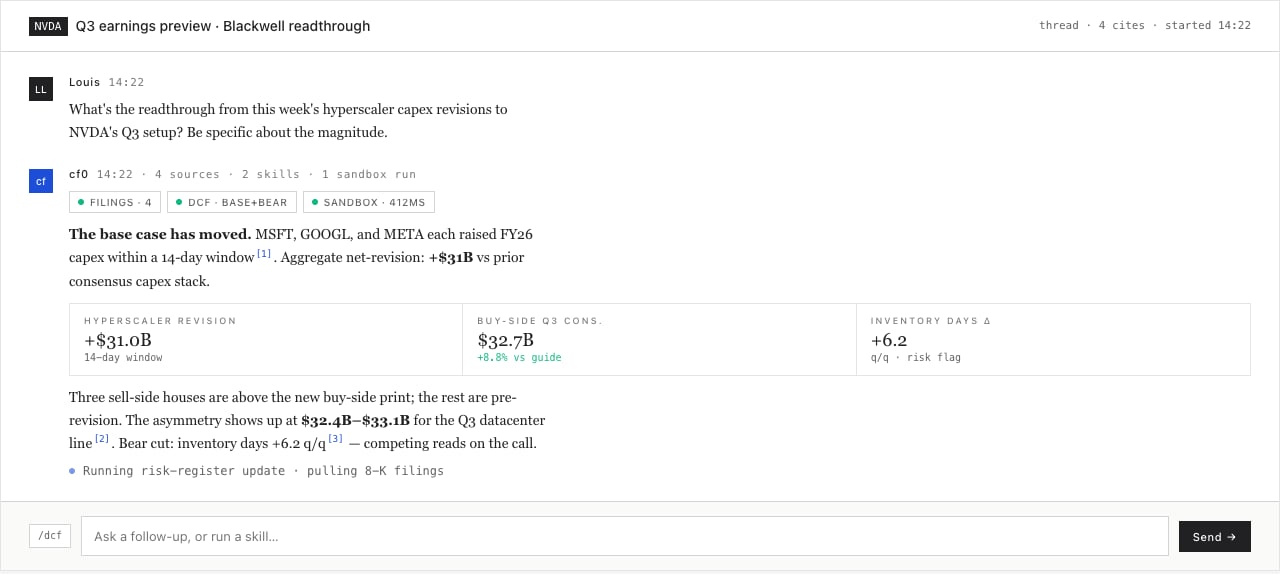
Lab is layer 03 of the stack — the place an analyst goes to ask a question. Type it in English, get back structured analysis: chart, table, narrative, with citations on every number. There is no template to fill in, no dashboard to build, no formula to write. Lab decides what UI the answer needs and renders it inline.
cf0 Lab — NVDA DCF analysis with fair-value scenarios
“Compare AAPL and MSFT free cash flow margins over the last 5 years and flag any quarter where the gap inverted.”
That is a full Lab prompt. The thread streams a margin time-series chart, a side-by-side table with tnum-aligned digits, a paragraph identifying the inversion quarters, and citations linking each margin number to the 10-K or 10-Q it came from. End-to-end: under a minute.

What ships in a response
On-demand UI

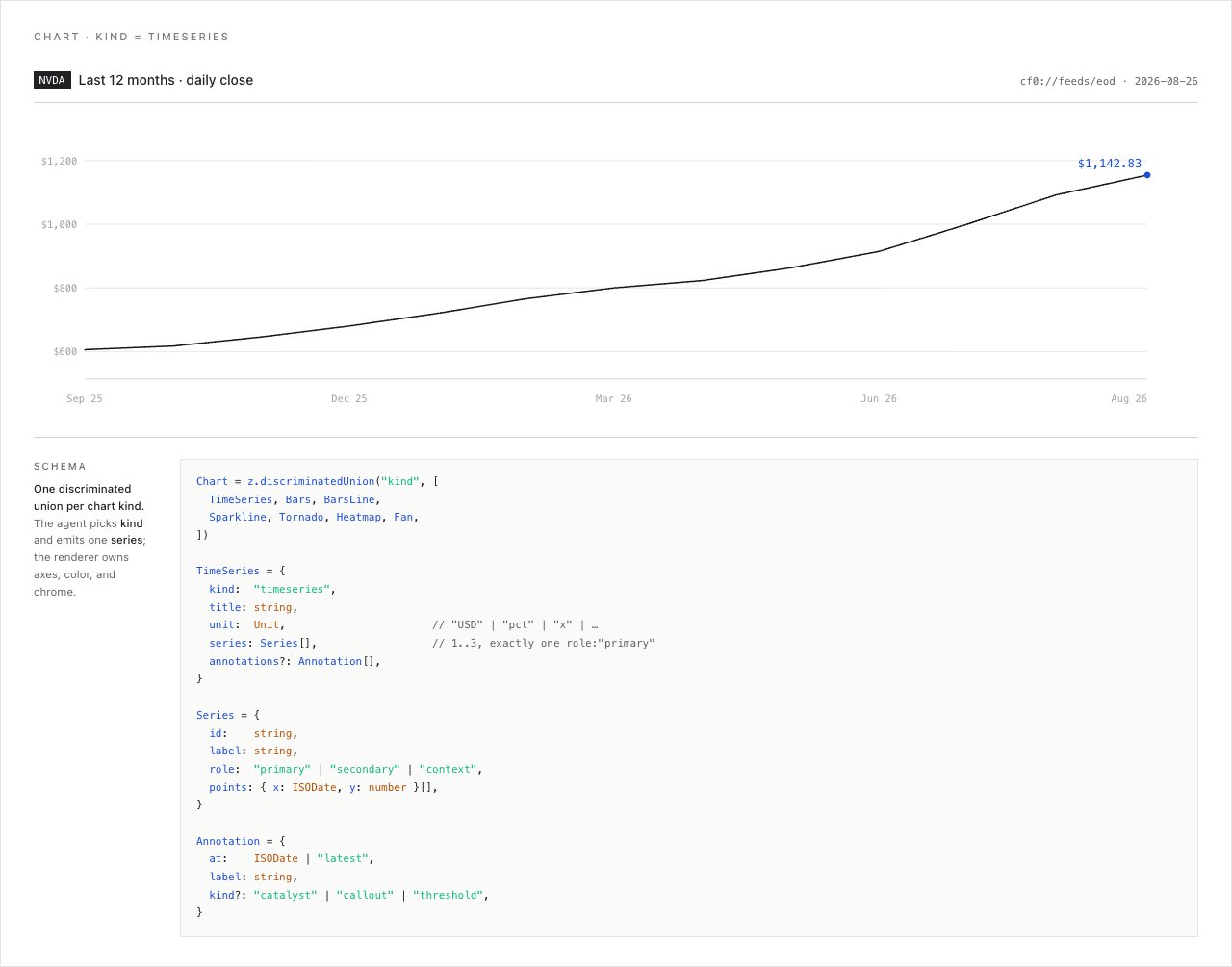
Charts, tables, metric tiles, timelines — whichever component matches the question. Components are real React, not screenshots; you can hover, sort, drill in.

Cited paragraphs

Every figure is anchored to a source — the exact filing, page, and section. Click any citation to open the underlying document.

Persistent threads

Each session lives in its own thread. Close the tab, come back tomorrow, the context is intact. Switch threads from the sidebar.

Slash-command workflows

Type / to invoke any Skill — your firm’s reusable research moves bound to a slug. See Skills.

Run your first thread

1

Open Lab

Click Lab in the left sidebar.
2

Ask in plain English

Type the question. Be specific. “Tesla Q4 2025 revenue and gross margin, with YoY delta” beats “Tell me about Tesla.”
3

Read as it streams

Tokens stream in real time. Charts and tables render progressively — you can read the lead while the model is still building the table below it.
4

Follow up

Lab retains the full thread context. Ask follow-ups by reference: “Now do the same for AMD,” or “Pull the relevant 10-K paragraph for the margin inversion.”

Threads

Each Lab session is a thread. Threads persist across sessions and live under your user account.
  • New thread — top of the sidebar
  • Switch thread — click any thread in the sidebar list
  • Rename thread — click the thread title and type
Thread content is private to your user — org admins cannot read individual thread bodies. The Dashboard (admin only) shows aggregate activity counts per member, never the messages themselves.

Citations and source tracing

Every quantitative claim Lab makes links back to a source — the company, filing type (10-K, 10-Q, 8-K, transcript), filing date, and the specific section or table the figure came from. For narrative sections (MD&A, risk factors), Lab reads the raw text and quotes verbatim where precision matters. cf0’s structured extraction hits 90%+ accuracy on standard financial statements. Where the model is unsure, it surfaces the source quote so you can verify before citing.

Streaming, not waiting

Lab streams responses token by token. Charts and tables appear progressively — you see partial output while the model is still working. This matters because it lets you cancel early if the model is going in the wrong direction, before paying for a full response.

Skills

Repeating workflows — earnings recaps, debt covenant checks, sector comp tables, IC memos — become Skills. Save the prompt once, invoke with /skill-name from any thread.
Type / in Lab to see all available Skills filtered live. cf0 ships with a catalogue of named system workflows covering the institutional research stack — DCF, LBO, comps, IC memos, earnings recaps, debt covenant reviews, monte carlo — and your org admin can encode any process your team runs. See Skills.