

Coverage
Deep US coverage
Full SEC EDGAR universe with structured extraction. Companies, filings, and sections are queryable through Lab as well as the Filings page.
Recent SEC history
Recent annual and quarterly filings, 8-Ks, prospectuses, and proxies are parsed and indexed on demand. New names get a same-session ingest from EDGAR.
International directory
Directory + filing-list coverage across the major global markets your team reaches into — US, JP, KR, GB, CA, IN, AU, HK, CN, BR — through adapters to each regulator’s source.
Section-level reading
Filings are parsed into sections (Item 1A, MD&A, etc.) so Lab can quote the exact passage a figure or claim came from, not just the filing as a whole.
Markets
The Filings landing page organises coverage into two tiers:- Filing ingestion available — markets where cf0 has processed and indexed the full filing content, enabling section-level reading and full-text search. Brazil (BR) is the most recently added market.
- Directory only — markets where company and filing metadata is available for browsing, but full-text section search is not yet enabled.
Find and read a filing
Search or browse
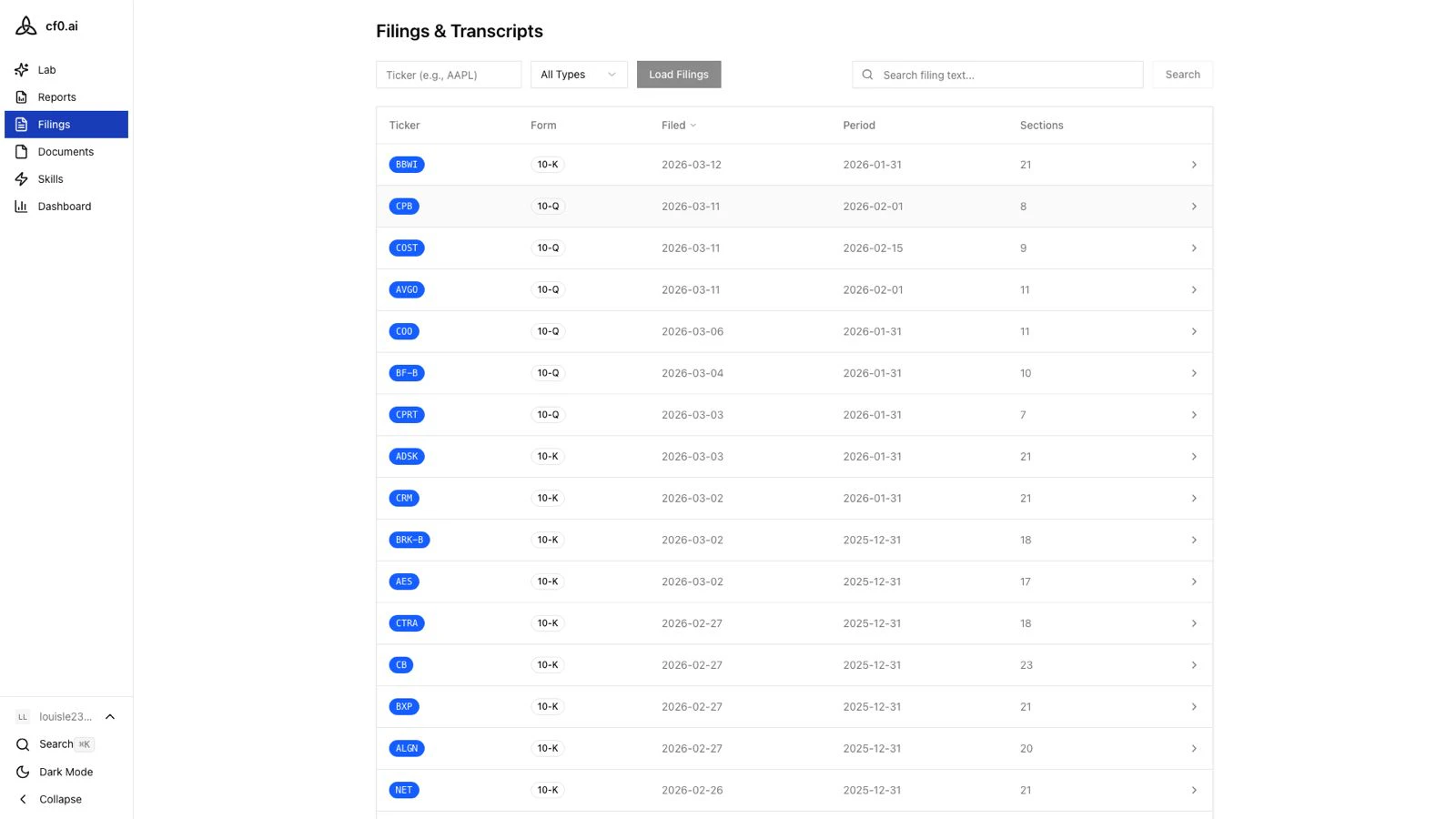
Open Filings from the sidebar. Type a name or ticker in the search bar, or click a market in the grid to browse — sorted by market cap by default.
Open the filing history
Click any company to see its filing history. Each row shows the form type (10-K, 10-Q, 8-K, etc.), the filing date, and a link to the original document.
Filing data is sourced from cf0’s proprietary pipeline, not fetched live from EDGAR on demand. Data is updated regularly, but there may be a short delay between a company filing with the SEC and its appearance in cf0.