

A common analyst task: “Compare AAPL and MSFT free cash flow margins over the last five years and flag any quarter where the gap inverted. Then ship a one-pager to the PM.” In a Bloomberg-and-Excel workflow that’s a 45-minute job. In cf0 it’s three prompts.Documentation Index
Fetch the complete documentation index at: https://docs.cf0.ai/llms.txt
Use this file to discover all available pages before exploring further.
Step 1 — open Lab and ask in plain English
Open Lab from the left sidebar. Type the question:Compare AAPL and MSFT free cash flow margins over the last five years (FY2021–FY2025). Show me a quarter-by-quarter table, plot the margin time-series, and flag any quarter where MSFT’s margin exceeded AAPL’s.
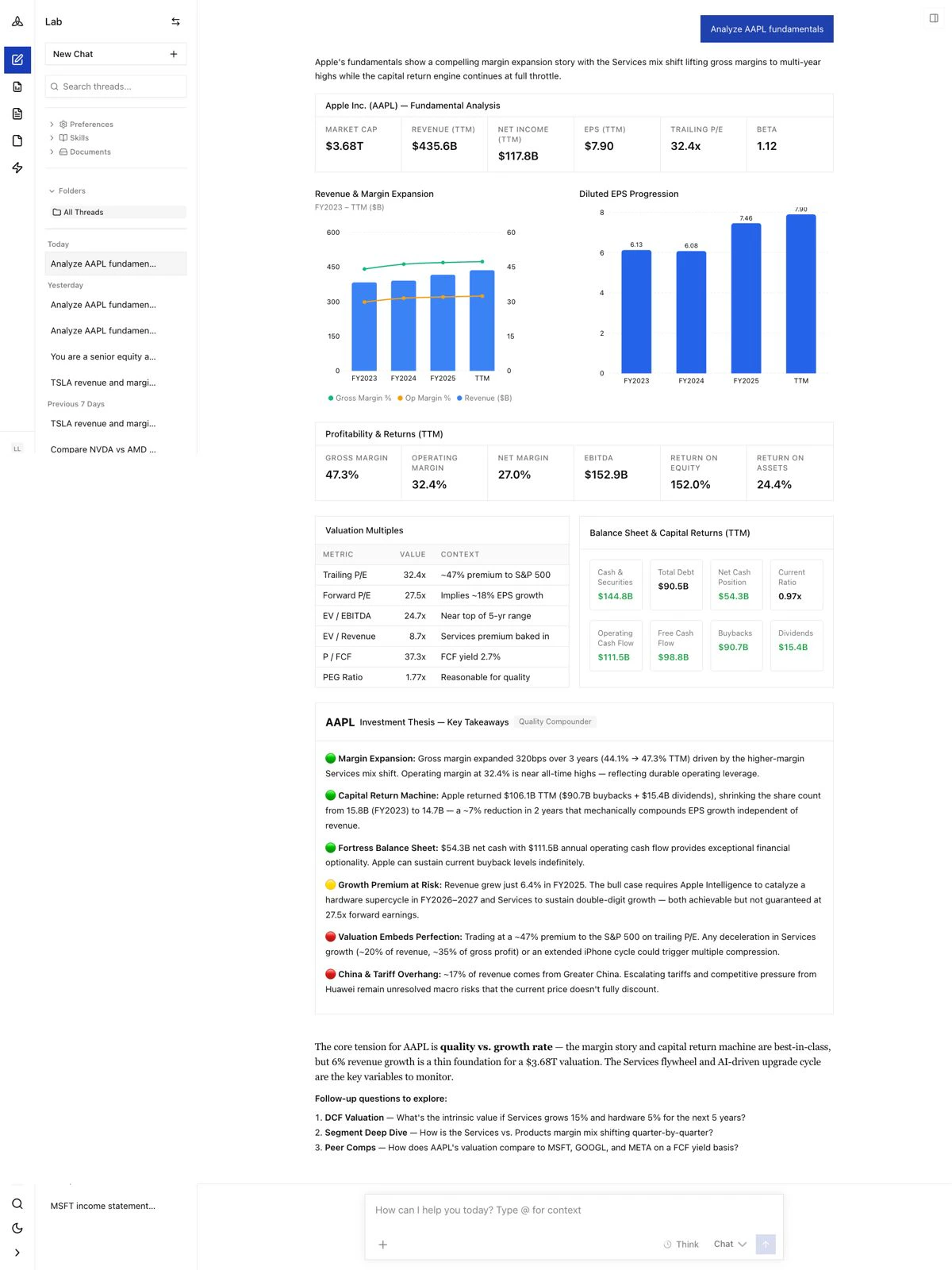
- A table with quarterly revenue, free cash flow, FCF margin, and the AAPL–MSFT spread for each quarter
- A chart showing both companies’ margin trajectories over the five-year window
- A narrative paragraph identifying the specific quarters where MSFT crossed above AAPL, with a one-line explanation grounded in the underlying filings
- Citations on every figure — click any number to open the source 10-Q or 10-K page
Step 2 — follow up to deepen the analysis
Lab keeps full thread context. Ask a follow-up by reference:Pull the relevant 10-K paragraphs that explain the margin inversion in the quarter you just flagged.The agent goes back to the source filings, extracts the relevant management commentary (typically MD&A), and quotes the passage verbatim — citation intact.
Step 3 — generate a one-page PM brief
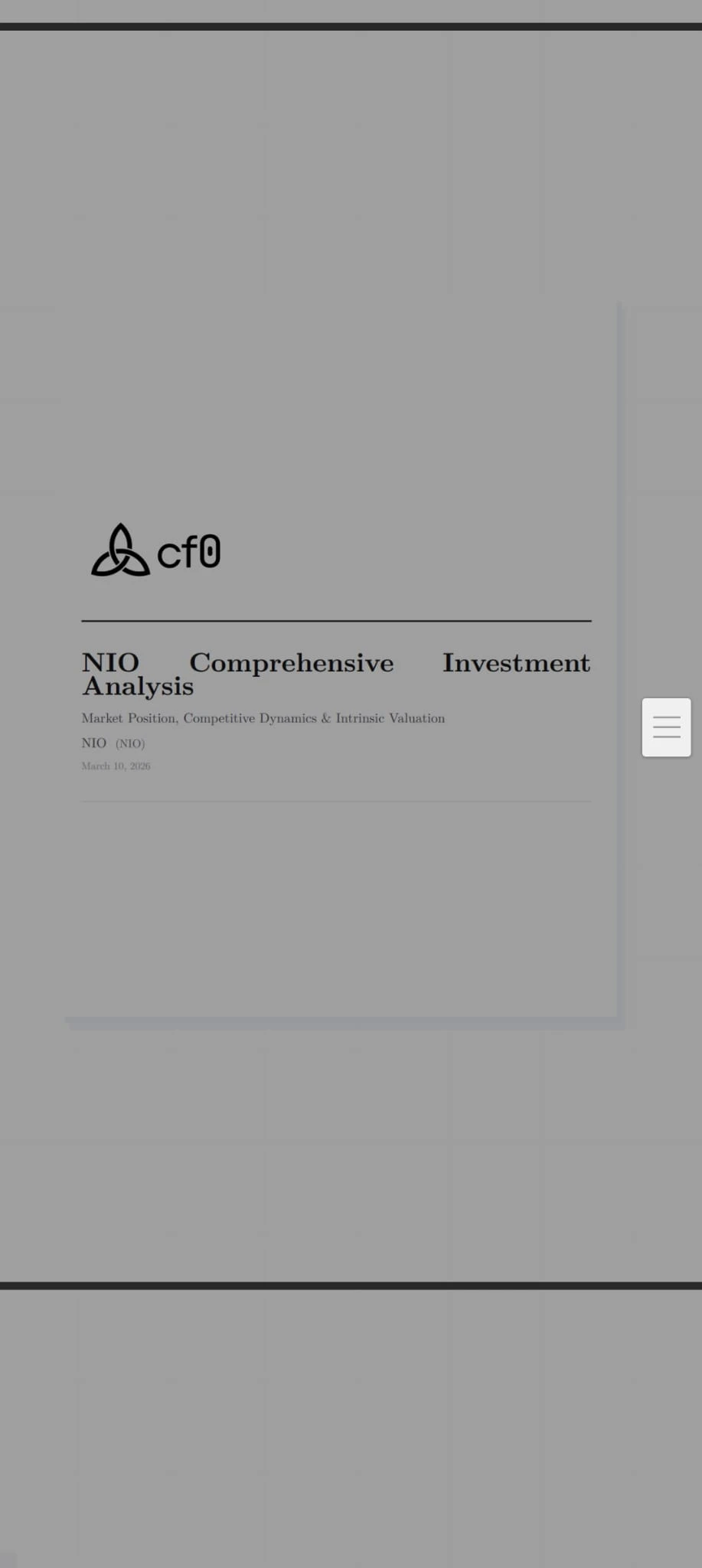
Once the thread is tight, ask Lab to ship a report:Generate a one-page brief for the PM summarising the AAPL vs MSFT FCF margin comparison, the inversion quarter(s), and management commentary. Include the chart and the comparison table.Click Generate report in the thread toolbar (or just ask in chat). cf0 reads the conversation and drafts a branded PDF with:
- Cover page in your firm’s brand template
- Investment summary
- The chart and table from the thread
- Inline citations
- Standard sections (thesis, risk flags, disclosure)
Save it as a Skill
If “compare two names on a single metric and ship a one-pager” is a recurring move for your firm, save the workflow as a Skill:AAPL, MSFT, 5y) and runs the full pipeline — pull → compute → chart → cite → draft report — exactly the same way every time.
What just happened, layered
This example touched every layer of the stack:- Inputs — the AAPL and MSFT 10-Ks and 10-Qs from SEC EDGAR, parsed into structured sections.
- Brain — the world-model that knew which filings to pull, which figures to extract, which quarters to compare.
- Lab — the surface where the question came in, the on-demand UI for the chart and table, and the report draft.